

Joe Capra Captures Iceland’s Midnight Sun: Time-Lapse Travel Tips
From the HD Pro Guide Magazine archive: this article first appeared in HD Pro Guide Magazine, Vol. 1, No. 1 (2013).
~Tips from Joe Capra shooting on location The best advice I could give someone who is planning on filming in an unfamiliar place is to do as much research and planning as you can. Even if you don’t follow your plans exactly, you will be as familiar with your locations as you can be. This allows for a less stressful and more successful trip. I used many online resources such as travel forums, travel books, Google Earth, Flickr, and many more to help in my planning for Iceland. Also, take backups and spares of your most important pieces of equipment. You don’t want to spend all the time, money, and effort getting to a location only to find out that something didn’t survive the trip.
What inspired you to undertake ti me-lapse cinematography specifically?
Joe Capra: I initially started out strictly a still photographer, mainly shooting landscapes. In addition to still photography, I also had a strong interest in motion pictures and film cinematography. After being introduced to time-lapse and inspired by amazing work being produced by Tom Lowe, I took my camera out one night and gave it a try. The initial results were pretty bad, but I was immediately hooked. I realized that, for me, time-lapse was the perfect combination of still photography and film. I decided that this was something that I really wanted to pursue further. Time-lapse allows you to see things that you can’t see with the naked eye, and there is something very special and exciting about that.
On your journe Y through Iceland, what cameras and Gear did Y ou take with Y ou?
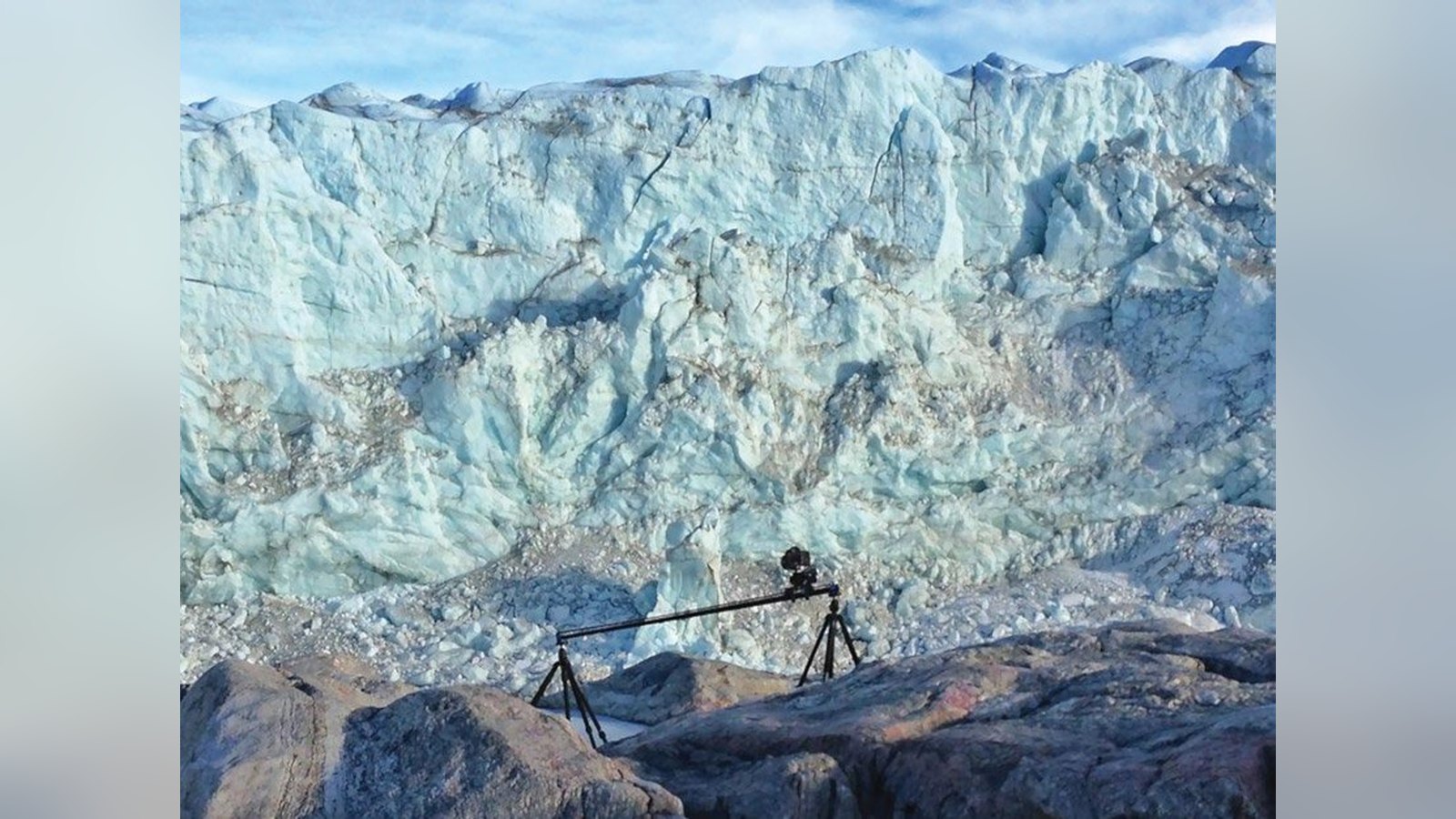
Joe Capra: I had my 3 main cameras, 2 Canon 5D II cameras and 1 Canon 7D. … And my trusty iPhone as a behind the scenes camera. I also took two Dynamic Perception time-lapse dolly rigs with me, and also a Kessler Crane KC-Lite Camera Crane. DiD You encounter an Y issues
While shooting footage in Iceland? how did Y ou overcome them?
Joe Capra: The biggest and most unexpected issue I ran into while shooting in Iceland was the wind. Iceland is a very windy place, and heavy wind is a big time-lapse killer. There were more than a few occasions where it was just too windy to get out of the car to shoot anything. A lot of my shots had to be stabilized in After Effects in order to remove the “camera shake” caused by the wind. wHat was Your caMera to Post
Joe Capra: I shot about 2TB of data on my Iceland trip. After every day of shooting I would offload all my images for that day onto a portable hard drive, and then back that drive up to a secondary backup drive. When I got back home from Iceland, I imported all my images into Adobe Lightroom and organized everything into their own folders. I had a folder for each time-lapse shot, one for all of my video footage, and another folder for my still photographs.
I did all the initial RAW process for each time-lapse shot within Lightroom. Some shots that required a little more attention and processing had to be brought into an amazing piece of software created by Gunther Wegner called LRTimelapse. LRTimelapse allows you to key frame and animate any of the RAW adjustments available to you in Adobe Lightroom. This allows you to easily change things such as exposure, white balance, and levels over the duration of your time-lapse shot. After all the shots were processed with either Lightroom and/or LRTimelapse, I would then import all the processed RAW files directly into Adobe After Effects. I did some additional processing for each clip within After Effects; this usually involved adding an unsharp mask, additional levels adjustments, stabilization, and noise reduction.
The final step in After Effects was to render all the completed shots out as full 5K tiff sequences. Once all my shots were rendered out of AE I would then import them all into Adobe Premiere Pro. Premiere was where I did all my editing and final assembly. The final master video was rendered out of Premiere Pro as an uncompressed 5K Quicktime movie. From there I used Adobe Media Encoder to render out various video sizes, resolutions, and compression types for display.
More from HD Pro Guide: get new production, broadcast and post stories every week with the free HD Pro Guide newsletter.
